

DRM-X 4.0 Features
Dynamic Website DRM Protection
DRM-X 4.0 brings DRM protection not only for Audio/Video, PDF content, static HTML and images, but it also can perform high-speed encryption protection for the entire dynamic website, includes all the dynamic pages, JavaScript, images, and CSS are protected by DRM-X 4.0. It can be applied to protect Live Video Conference, such as Zoom Web SDK, Video Call, Interactive live broadcast, etc.
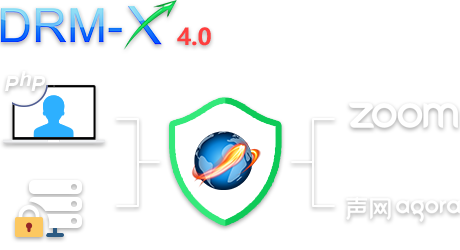
DRM-X 4.0 not only provides encryption protection for audio/video, PDF documents, static HTML and images, but also can perform high-speed encryption protection for the entire dynamic website, including all dynamic pages, JavaScript, images and CSS are protected by DRM-X 4.0. It can be applied to protect real-time video conferences, such as Zoom Web SDK, video calls, interactive live broadcasts, etc. It can protect the company's control panel, online office software, and prevent the leakage of important company information. It can also protect online education courseware and prevent the leakage of learning resources. It can encrypt and protect any website, such as popular open source websites WordPress and Moodle.
High-performance encryption protection based on the server. Nginx is currently the highest performance HTTP and reverse proxy web server in the web server market. Haihaisoft has developed Nginx for Xvast based on the Linux platform, which provides high-speed real-time encryption protection for websites. The website is still hosted on your server, you just need to install Nginx for Xvast and use it to provide web services or proxy to the website. Haihaisoft provides you with complete technical support and will assist you in installing and deploying Xvast For Nginx. It only needs to be configured once and integrated with your website, making your work easier. Nginx for Xvast includes all the existing features of the Nginx web server. It also supports encrypting dynamic or static websites, such as HTML and PHP websites. It is also a reverse proxy server, you can use reverse proxy for any website and apply DRM-X 4.0 encryption to PHP, JSP, ASP.net, NodeJS websites. After configuring Nginx for Xvast, enable the DRM-X 4.0 encryption parameters, all output data will use DRM-X 4.0 high-strength private algorithm, all data streams are encrypted at high speed and protected by license. Access users must be authorized to obtain a license to open the protected website. The protected website supports all DRM-X 4.0 security functions, such as Smart Prevent Screen Recording, blacklist, license binding with hardware, all source code is encrypted and protected by license. By default, it supports using SSL/TLS certificates to protect websites.
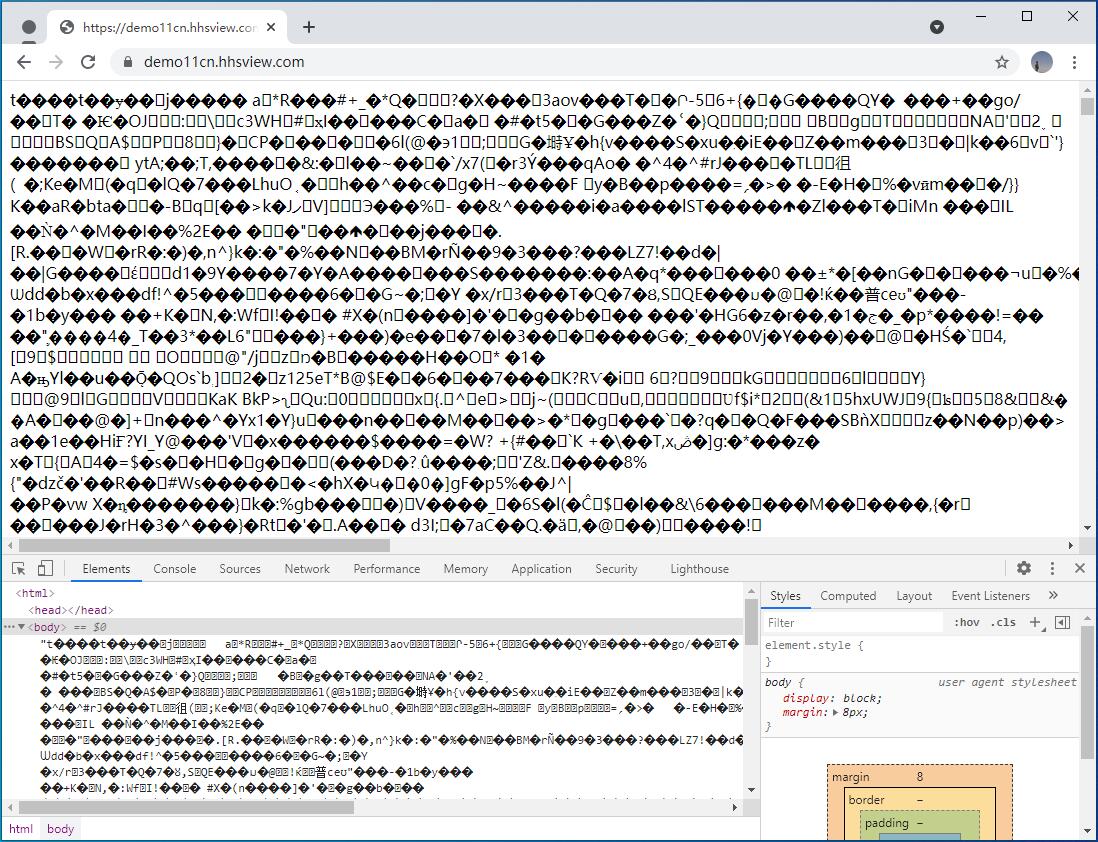
For your users, they only need to install the Xvast browser to access the DRM-X 4.0 encrypted dynamic website. Xvast is developed based on Chrome, safe and ad-free, and customers' usage habits are the same as Chrome. Your users only need to enter the URL, log in, and obtain a license to access the protected website. The license contains restrictions on the validity period of the website, such as access for 7 days, you can also restrict: whether to allow virtual machines, whether to allow printing, whether to allow copying, Dynamic Digital Watermark displays user identity information. When accessing in Xvast browser, the data of the protected website is highly encrypted data. Your users cannot use view source code, cannot use debugging tools, etc. It makes all your website data content, from Javascript to images, tables, audio and video data, protected by DRM-X 4.0.
Encrypted web page screenshot:
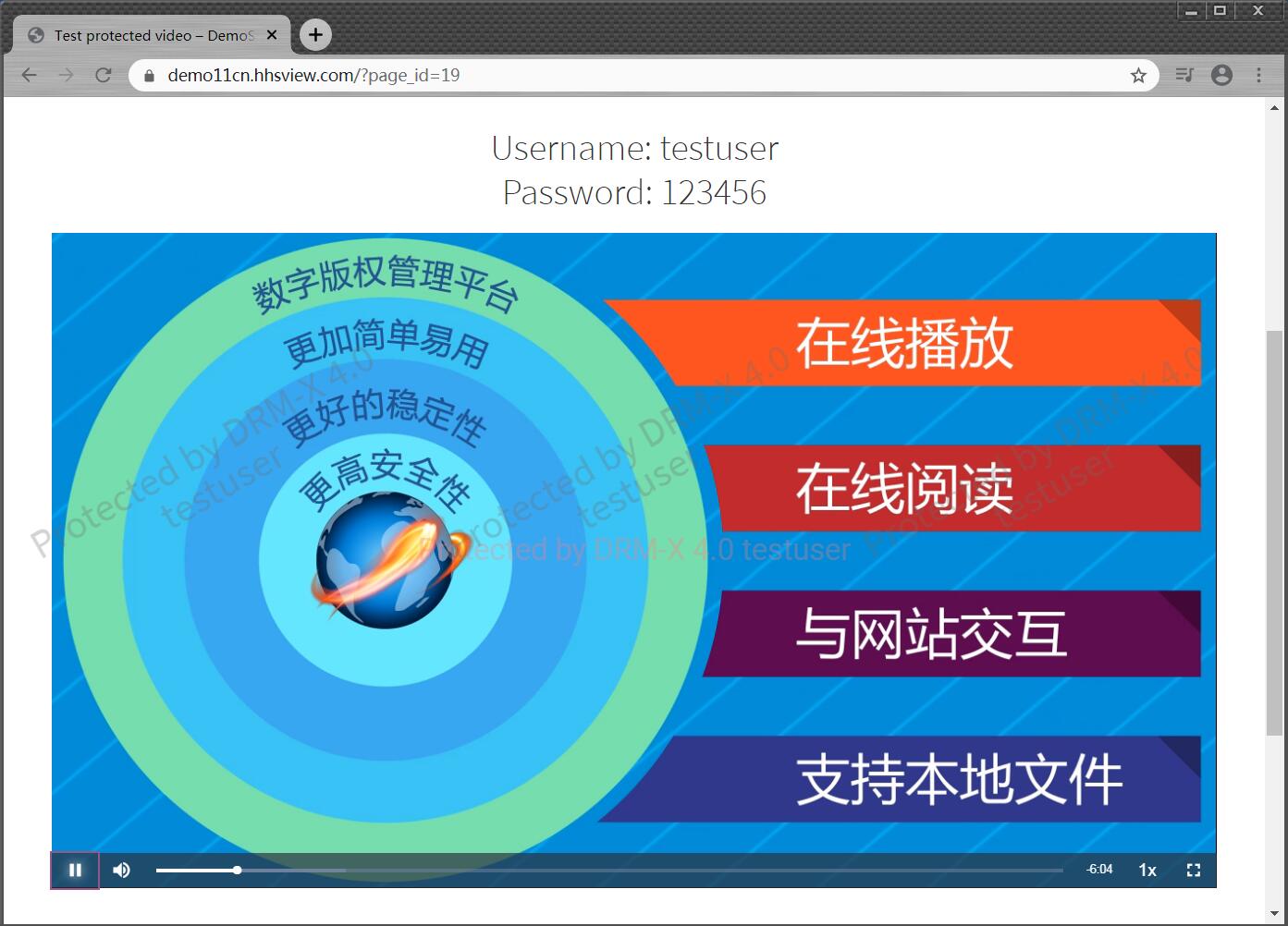
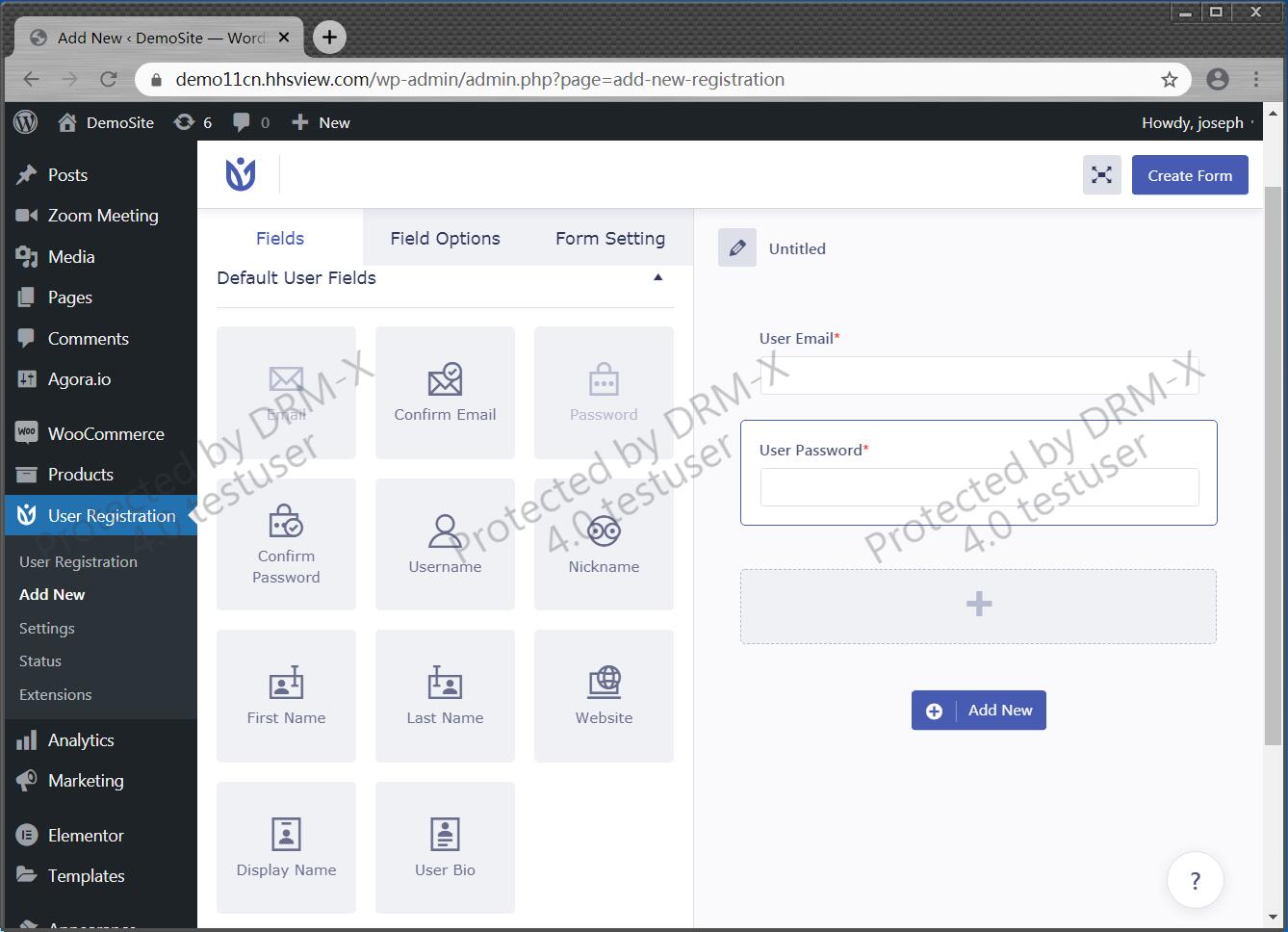
(For demonstration purposes, screenshot permission is enabled.)
If you take screenshots and record screen in Win 7, it will show a black interface:

If you take screenshots and record screen in Win 10, Xvast will automatically hide the window, so you can't capture and record screen:
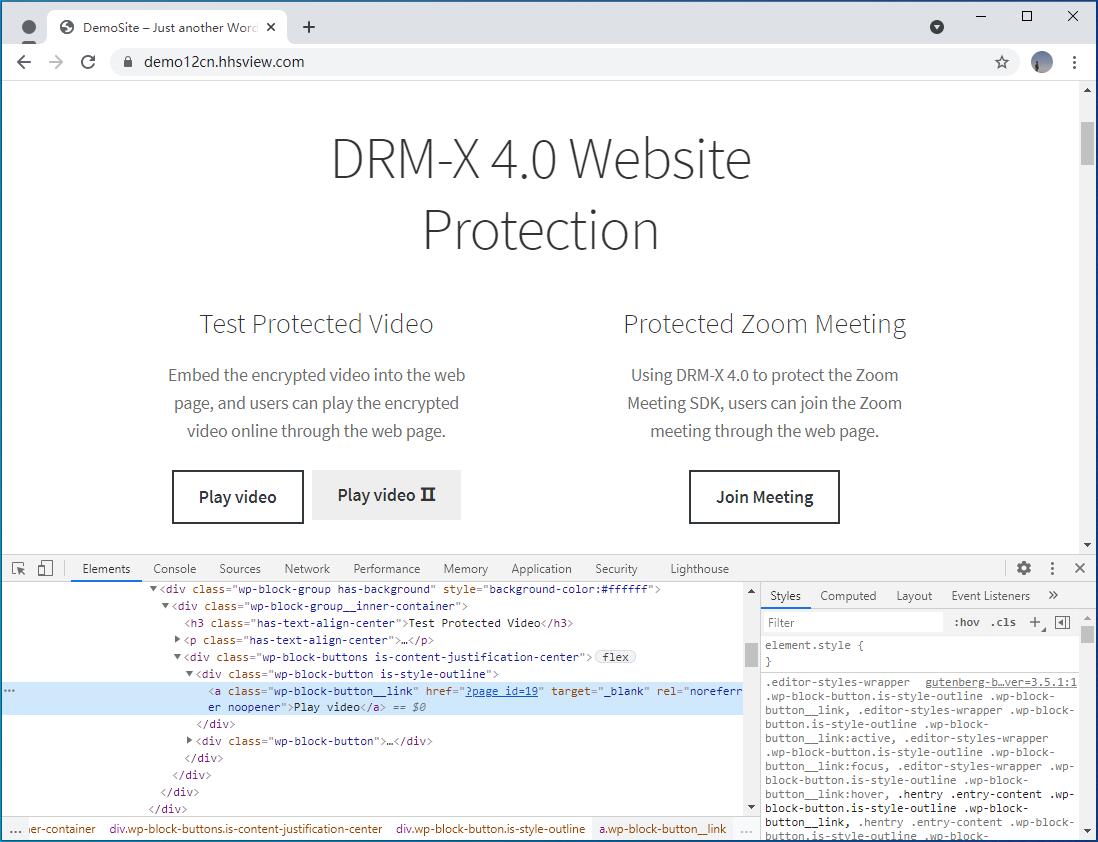
Screenshot of website code in Chrome inspection before encryption:
Screenshot of encrypted web page code:
Unencrypted Zoom meeting (Zoom client screenshot):
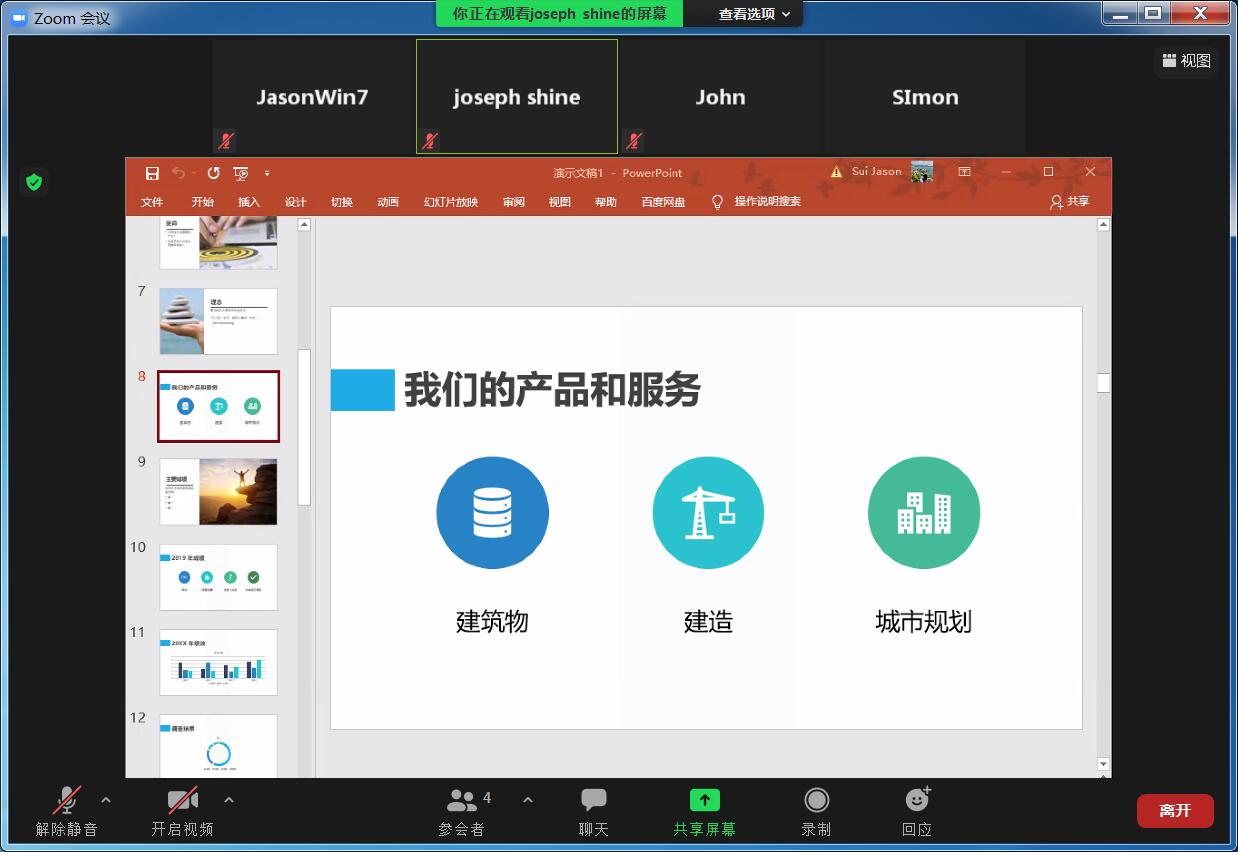
As long as you know the meeting password, everyone can join the meeting and record.
Zoom meeting encrypted with watermark screenshot:
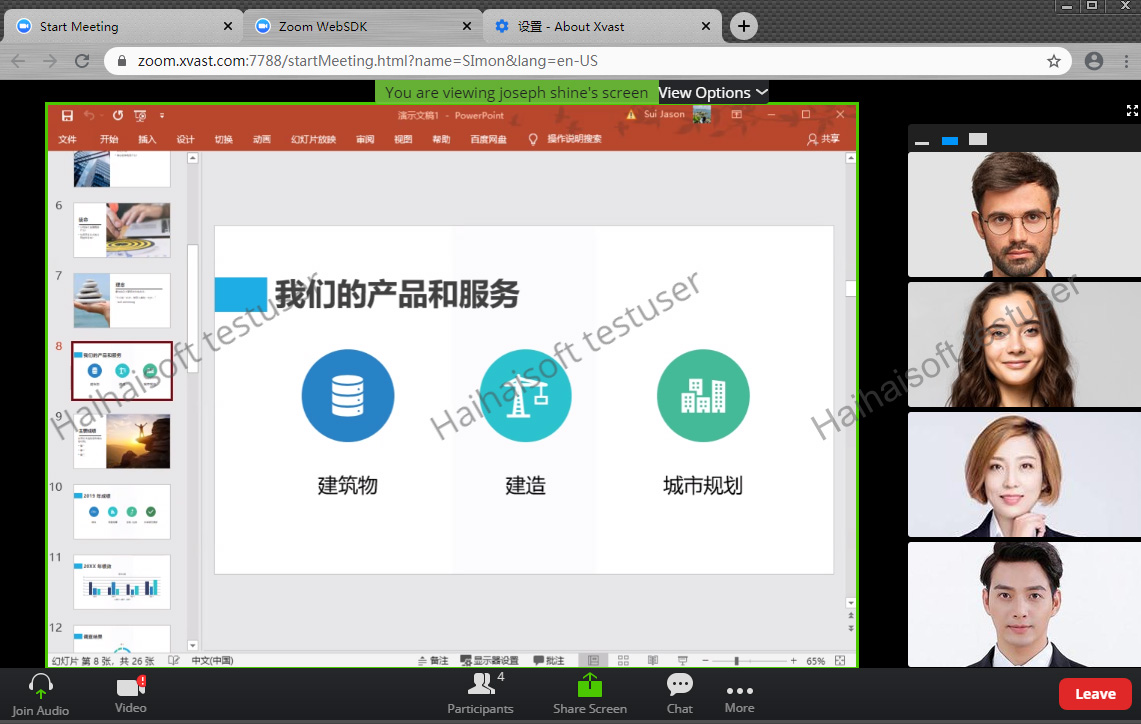
(For demonstration of watermark and running effect, we have enabled screenshot function)
Users need to install Xvast to access Zoom online meetings. It not only prevents screenshots, but also has digital watermark function, and can also protect Zoom meeting ID and password. After integration with the website, users only need to enter their account to log in to the online meeting.
Currently encrypted dynamic websites can be opened in the latest Xvast browser on Windows, MacOS and Android.
After DRM-X 4.0 encrypts the dynamic website, it will help you:
- Make web content, web code, Javascript, images, vector graphics, Canvas, audio/video and PDF protected by DRM-X 4.0.
- Make the website more secure. On top of the currently widely used HTTPS transmission encryption, all data streams of your website are encrypted again by DRM-X 4.0. Now, in the middle of HTTPS websites, hackers may forge CA certificates, or the captured packet data may be tampered with. But after DRM-X 4.0 encryption, even if the data is captured in the middle, the obtained packets are still encrypted by DRM-X 4.0. It is equivalent to HTTPS, which is encrypted again by DRM-X 4.0 private algorithm, which is more secure than using HTTPS on the website.
- Prevent the website from being tampered with. After encrypting the website, your users cannot use web debugging and view source code tools. It cannot analyze the website's Javascript code, nor can it submit dangerous code to the server. This adds a layer of security to your web server.
Applicable industries
- Financial banking industry. Protect sensitive customer data, prevent screen recording, screenshots and data leakage.
- Online education industry. Encryption protection for online live classrooms, audio/video, interactive courseware, and Javascript scripts are all protected.
- Government and public security departments. Manage users, public sensitive data, and prevent data leakage.
- Company document protection. Online office software, documents, emails, and sensitive company background data, prevent screen recording, screenshots and leakage.
- Manufacturing industry. Read-only code, 3D graphics, high-quality images, SVG drawing protection.
- Broadcasting and media industry. Protection for live streaming, on-demand audio/video, and video interactive content.
- E-book publishing industry. Online reading of e-books, and protection of ePub and PDF format e-books.
- Open source website projects. Protect WordPress, Moodle, LearnPress and other open source websites.
Haihaisoft provides customized browser services to help you better promote your company's brand. The customized Xvast browser features include modifying your company's name, Logo, custom browser skin, changing the default homepage, adding URLs to favorites, changing the default search engine, and customizing functions according to your business needs.
Questions?
Our reps have answers.
Ask about Haihaisoft products, pricing, implementation, or anything else — our highly trained reps are standing by, ready to help.
Contact Us